
Add Text Overlay Images: 5 Smart No-Code Steps: Video Tutorial
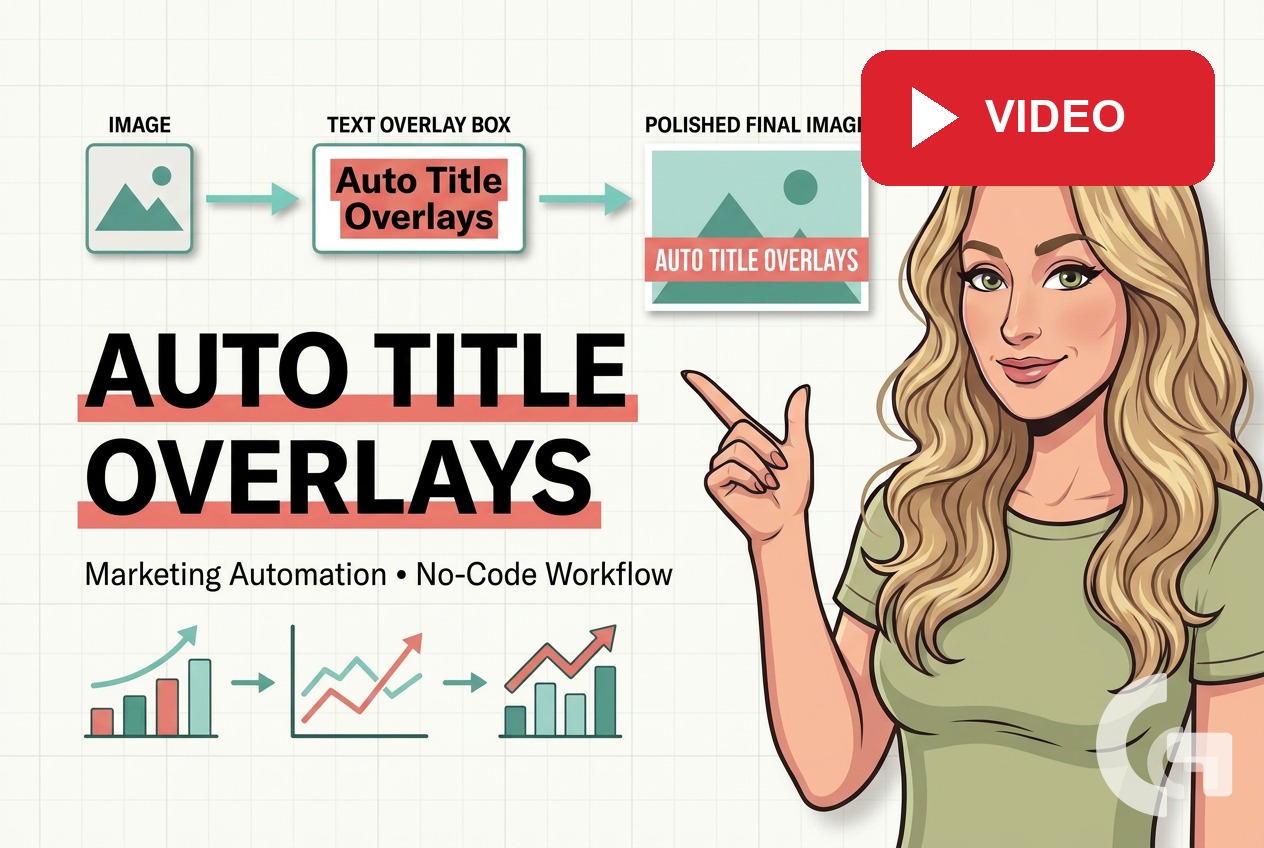
In this video, you will learn add text overlay images: 5 smart no-code steps through a practical walkthrough. Learn how to add text overlay images with Make and Cloudinary to automate SEO hero image workflows for WordPress. Read the tutorial Read more › If you already automate SEO article creation, the next obvious step is making the images look polished too. Use it as a companion to the related article when you want to see the process in action, understand the logic behind each step, and avoid small mistakes that can slow down your work. It is designed for marketers, analysts, and business owners who want a practical walkthrough they can apply to their own reports, spreadsheets, dashboards, or automation workflow.
What you’ll learn
- How add text overlay images: 5 smart no-code steps works in practice
- Which settings, formulas, or data choices matter most in Looker Studio, Google Sheets, WordPress
- How to apply the same approach to your own reporting workflow
Watch the video tutorial and follow the related article for the full step-by-step walkthrough.
For the written step-by-step version, read the related article: https://gaillereports.com/add-text-overlay-images-no-code-steps/.
Tool I use for automation
For automation, one of my favorite tools is Make.com.
I use it to connect different tools and automate repetitive workflows — for example moving data between APIs, Google Sheets, and reporting systems.
