Free Facebook Ads dashboard? Yep — just join the newsletter and it’s yours. Dismiss

↓ Skip to Main Content
Gaille Reports

Main Navigation

  • Free Facebook Ads Dashboard
  • Templates Store
  • Custom Dashboards
  • Blog
    • Google Sheets
    • Looker Studio
    • Tutorials
    • Online Course
    • Digital Marketing
Gaille Reports

Off Canvas Menu

  • Free Facebook Ads Dashboard
  • Templates Store
  • Custom Dashboards
  • Blog
    • Google Sheets
    • Looker Studio
    • Tutorials
    • Online Course
    • Digital Marketing

Category: Tutorials

Check out all the tutorials of the blog here! There are various of them about Looker Studio and Google Sheets. Formulas, report creation, tricks & tips – everything is in this section.

How to Add Months to Date in Google Sheets? EDATE () formula

By Anna Primak Posted on 1 April 2024 Posted in All articles, Google Sheets, Tutorials
How to Add Months to Date in Google Sheets? EDATE () formula

In the realm of Google Sheets, the EDATE formula stands out as a powerful tool for date manipulation. Whether you’re a seasoned spreadsheet aficionado or just starting out, understanding how to leverage this formula can significantly enhance your data management …

How to Add Months to Date in Google Sheets? EDATE () formula Read more »

How to do conditional formatting in Google Sheets

By Anna Primak Posted on 27 March 2024 Posted in All articles, Google Sheets, Tutorials
How to do conditional formatting in Google Sheets

Conditional formatting in Google Sheets is a powerful tool for highlighting data based on specific criteria. Whether you’re a student, professional, or business owner, knowing how to use conditional formatting can streamline data analysis and enhance spreadsheet readability. In this …

How to do conditional formatting in Google Sheets Read more »

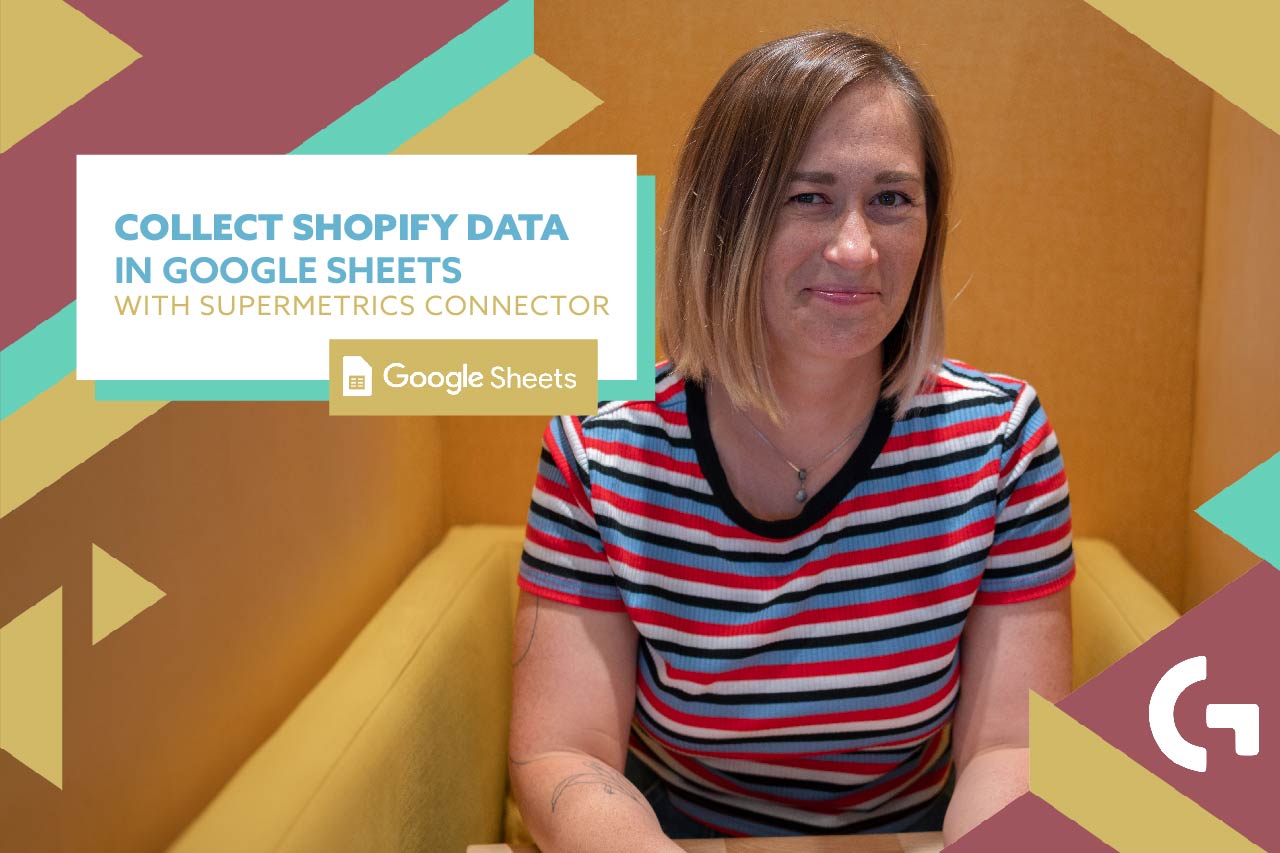
Collect Shopify data in Google Sheets with Supermetrics connector

By Anna Primak Posted on 26 March 2024 Posted in All articles, Looker Studio, Tutorials
Collect Shopify data in Google Sheets with Supermetrics connector

Do you struggle with collecting Shopify data? I work with Shopify a lot, so I will explain to you how to collect Shopify data in Google Sheets easily! Before reading, check out this video-tutorial: Setting up Supermetrics add-on for Shopify …

Collect Shopify data in Google Sheets with Supermetrics connector Read more »

3 levels of filters in Looker Studio: report, page, chart filters

By Anna Primak Posted on 22 March 2024 Posted in All articles, Looker Studio, Tutorials
3 levels of filters in Looker Studio: report, page, chart filters

There are 3 levels of filters in Looker Studio: report, page and chart filters. They make your experience of using the dashboard easier and I will explain why and how to create them in this article. But before reading check …

3 levels of filters in Looker Studio: report, page, chart filters Read more »

How to install Windsor.ai add-on to Google Sheets?

By Anna Primak Posted on 12 March 2024 Posted in All articles, Google Sheets, Tutorials
How to install Windsor.ai add-on to Google Sheets?

Continuing the series of Google Sheets add-ons overview, today I would like to tell you about Windsor.ai. I discovered it comparatively recently, nevertheless I started using it a lot in my work and I want to share it with you. …

How to install Windsor.ai add-on to Google Sheets? Read more »

How to install Supermetrics add-on to Google Sheets?

By Anna Primak Posted on 8 March 2024 Posted in All articles, Google Sheets, Tutorials
How to install Supermetrics add-on to Google Sheets?

How do you export the data from ads platforms to Google Sheets? If you are still doing it manually – I feel sorry for you. Let me show you a way to get the freshest data from your ads platforms …

How to install Supermetrics add-on to Google Sheets? Read more »

How to tag someone in Google Sheets?

By Anna Primak Posted on 1 February 2024 Posted in All articles, Google Sheets, Tutorials
How to tag someone in Google Sheets?

Luckily for everyone using Google Sheets, you can work together on any document. By the way, we have an article about arranging group work in Google Sheets and Looker Studio. However, do you know how to draw your colleagues’ attention …

How to tag someone in Google Sheets? Read more »

Two date range controls in Looker Studio

By Anna Primak Posted on 30 January 2024 Posted in All articles, Looker Studio, Tutorials
Two date range controls in Looker Studio

Have you ever felt the urge to have two different date range controls in the same Looker Studio dashboard? Not everyone knows how to do it, so I felt like I needed to share it with you. Check out the …

Two date range controls in Looker Studio Read more »

Top 7 Looker Studio tutorials

By Anna Primak Posted on 12 January 2024 Posted in All articles, Looker Studio, Tutorials
Top 7 Looker Studio tutorials

One of the main objectives of our startup is to help small and medium businesses with understanding of their data and businesses overall. Owing to marketing reporting automation we can do it.  We sell as report templates, as unique customized …

Top 7 Looker Studio tutorials Read more »

Top-10 Google Sheets tutorials

By Anna Primak Posted on 22 December 2023 Posted in All articles, Google Sheets, Tutorials
Top-10 Google Sheets tutorials

We are absolutely passionate about sharing knowledge. In 2023 we have written a lot of articles about Google Sheets and at the end of the year we decided to make a selection of Top-10 Google Sheets tutorials. All the most …

Top-10 Google Sheets tutorials Read more »

Posts pagination

Previous 1 … 3 4 5 6 7 8 Next

Footer Menu

  • Blog
  • Contact us
  • Careers
  • Policy
  • Terms of service
Copyright © 2026 Gaille Reports | Powered by Responsive Theme

Footer Menu

  • Blog
  • Contact us
  • Careers
  • Policy
  • Terms of service
Copyright © 2026 Gaille Reports | Powered by Responsive Theme
Top
Top
Manage Consent
To provide the best experiences, we use technologies like cookies to store and/or access device information. Consenting to these technologies will allow us to process data such as browsing behaviour or unique IDs on this site. Not consenting or withdrawing consent, may adversely affect certain features and functions.
Functional Always active
The technical storage or access is strictly necessary for the legitimate purpose of enabling the use of a specific service explicitly requested by the subscriber or user, or for the sole purpose of carrying out the transmission of a communication over an electronic communications network.
Preferences
The technical storage or access is necessary for the legitimate purpose of storing preferences that are not requested by the subscriber or user.
Statistics
The technical storage or access that is used exclusively for statistical purposes. The technical storage or access that is used exclusively for anonymous statistical purposes. Without a subpoena, voluntary compliance on the part of your Internet Service Provider, or additional records from a third party, information stored or retrieved for this purpose alone cannot usually be used to identify you.
Marketing
The technical storage or access is required to create user profiles to send advertising, or to track the user on a website or across several websites for similar marketing purposes.
  • Manage options
  • Manage services
  • Manage {vendor_count} vendors
  • Read more about these purposes
View preferences
  • {title}
  • {title}
  • {title}

Item added to your cart

0 items in the cart (0 €)

Continue Shopping Go To The Cart